Understanding the Google Blocklist
Google is the most used search engine in the world and is committed to providing its users a safe online experience. To achieve this, it has invested resources in identifying and flagging any potentially malicious websites by “blocklisting” them. This is meant to tell the user to move forward with caution, notify the website owner of an issue, and simultaneously impede the attacker’s intentions.
When a search engine blocklists a website, it refers to the process of them removing a website from their index. When a website is blocklisted, it usually loses nearly 95% of its organic traffic, which quickly impacts sales and revenue.
How to Check If Your Site Is Blocklisted
Do you want to know your website’s malware or blocklisting status? Our Sucuri SiteCheck scanner will check for blocklisting status and visible malware incursions. Click here to run a report, or if you run a WordPress site, install our free WordPress security plugin to automate your security scans.
Why Sites Get Blocklisted
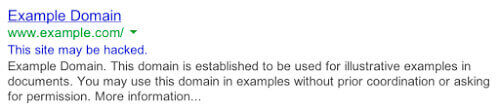
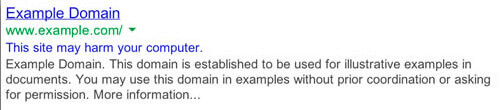
Sites are blocklisted when authorities — such as Google, Bing, Norton Safe Web, McAfee SiteAdvisor, etc. — find irregularities on a website that they believe to be malware. Malware can come in many forms: trojan horses, phishing schemes, pharma hacks, email, or information scraping. Most often, the website owner is not even aware that they have been hacked. However, it’s in the search engine’s best interest not to show infected results, as they don’t want it to damage their integrity. There are several different categories for blocklisting, depending on why the website was blocklisted. For example, some websites are blocklisted for having spam, others for having phishing links, or more generically for having malware. We will dig deeper on types of blocklisting reasons below.
What does a malware blocklist look like?
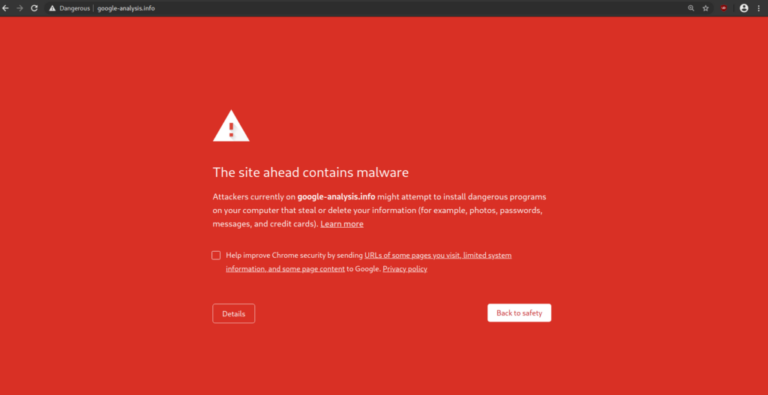
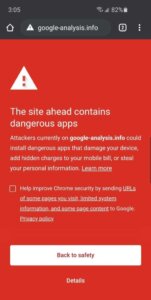
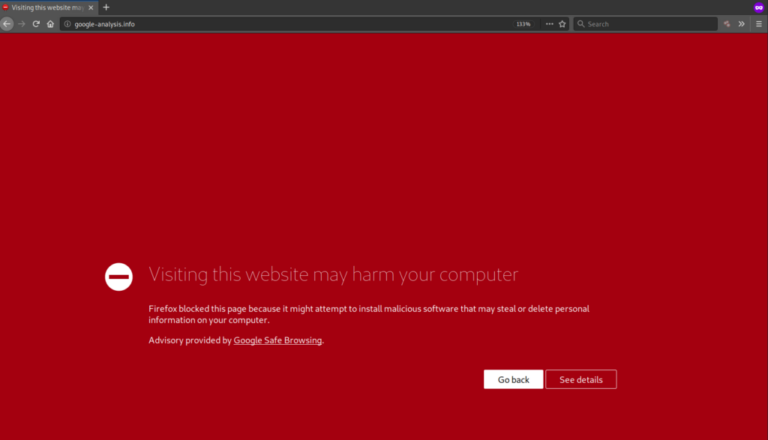
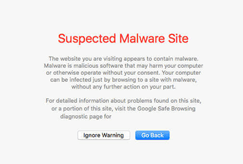
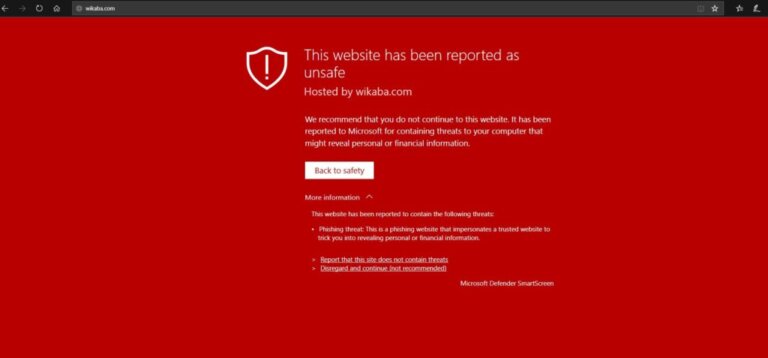
Most of today’s browsers will present the user with their own unique variation of a site being blocklisted for malware. For example, you can check out Chrome’s blocklists here: chrome://interstitials/. The images below represent some of the more popular browsers and the warnings you can come to expect when a site is blocklisted. The red splash page, also known as an interstitial page, is designed to protect and deter the user from proceeding.
The following are some of the warning messages reserved for malware blocklists:
- The Site Ahead Contains Malware!
- Suspicious site
- The site ahead contains harmful programs
- This page is trying to load scripts from unauthenticated sources
- The Site Ahead Contains Malware!
- Did you mean [site name]?
- Is this the right site?
- This website has been reported as unsafe
- Deceptive site ahead
Not all messages above are from Google and not all browsers use the Google SafeBrowsing API to validate if a site is safe. Each warning is designed to inform you to exercise caution if you continue on to visit the website which has likely been hacked and blocklisted because it has been distributing malware.